
Make sure all parts are included. Use the table below to take inventory. If the inventory does not include screws to attach your optic to the mount, please use the screws that came with your optic.
Make sure your rifle is unloaded and safe before continuing.
Install your optic onto the mount. Use the table below for torque values, make sure not to exceed those values!
Install the optic mount onto the base. Use the 4x M3x10 hex drive screws, installing from the bottom of the base. Do not exceed 6 in-lbs!
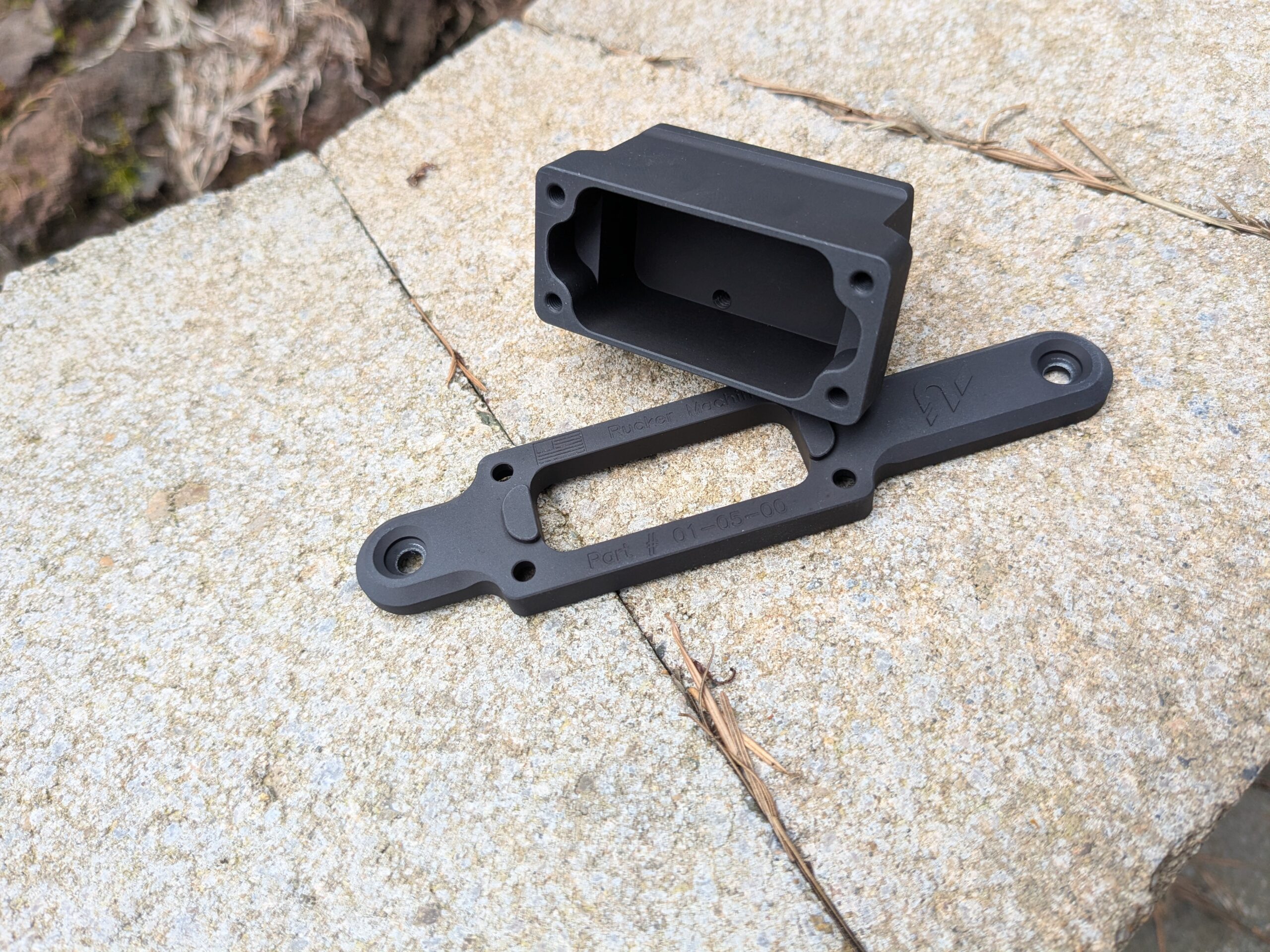
Install your optic and mount onto your rifle using the torx head screws. Do not exceed 7 in-lbs!
Perform a function check and make sure the rifle is safe to fire.
| Optics footprint | Inventory | Optic Screw Torque Value |
| Aimpoint Acro | Optics mount & base 2x mount mounting screws (6-48 flat head, torx drive screws) 4x M3 hex drive screws | See optic manufacturers instructions. |
| Aimpoint Micro | Optics mount & base 2x mount mounting screws (6-48 flat head, torx drive screws) 4x M3x6 mount mounting screws 4x M3x10 hex drive screws | Included M3x6 screws: 5 in-lbs |
| Shield | Optics mount & base 2x M3 mounting screws (6-48 flat head, torx drive screws) 6x M3 hex drive screws | Included M3 screws: 4.5 in-lbs |
| RMR | Optics mount & base 2x mount mounting screws (6-48 flat head, torx drive screws) 4x M3 hex drive screws | 6-32 screws that came with your optic: 6.5 in-lbs |
| Deltapoint Pro | Optics mount & base 2x mount mounting screws (6-48 flat head, torx drive screws) 4x M3 hex drive screws | M4 screws that came with your optic: 6 in-lbs |